

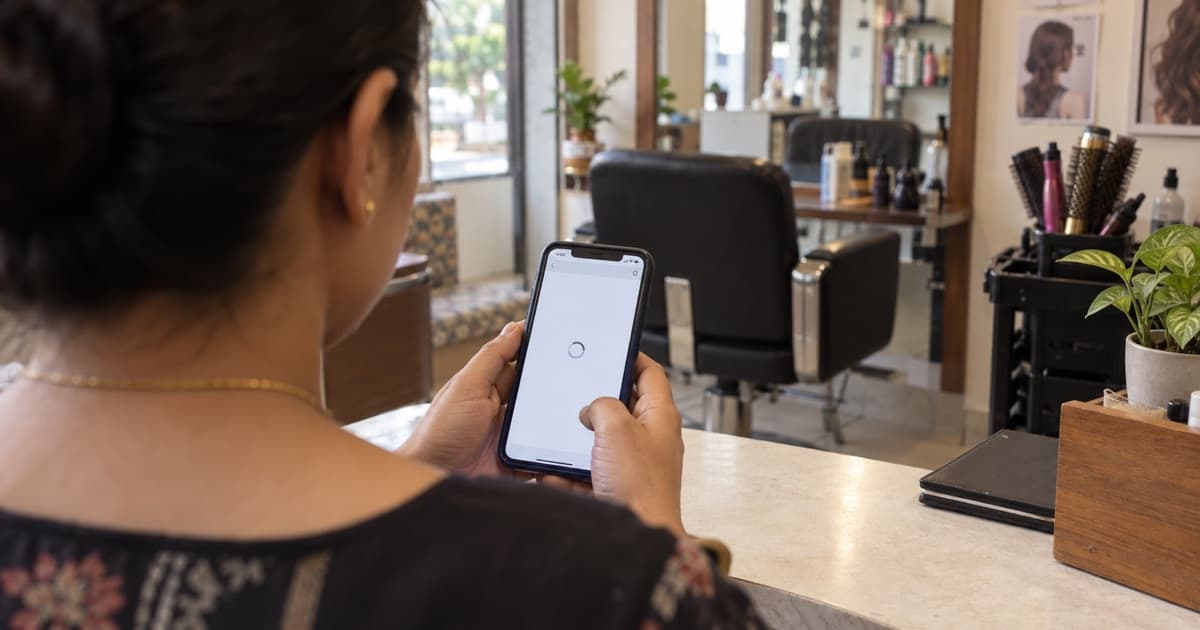
Your website can open and still lose customers. A slow page, small text, a "Not secure" warning, a weak title or no call button can send them next door. You can check all five today.
A man is looking for a gym near his office. He finds yours on Google and taps your website. The page is slow. The text is tiny on his phone. He cannot find a phone number.
He goes back and taps the next gym. You never knew he was there.
That is the hard part. When a website loses a customer, nobody tells you.
Five fixes you can check today
1. Is your page slow on a phone?
Open your website on your phone, using mobile data, not Wi-Fi. Count while it loads. If you are still waiting after a few seconds, your customers are waiting too. Many will not wait.
You can test it with Google's tool, PageSpeed Insights (Google). Type your website address and tap Analyze. Look at the result for Mobile.
How to fix it:
- Make your photos smaller before you upload them. A photo from a new phone is often too big for a web page.
- Remove things you do not need, like a moving slideshow or a video that plays by itself.
- Ask the company that runs your website to look at the PageSpeed result with you.
2. Can people read it on a phone?
Most customers will see your website on a phone. Open it on yours and check:
- Can you read the text without zooming in?
- Do buttons fit on the screen?
- Can you tap a button without hitting the one next to it?
If you have to pinch and zoom, your page is made for a computer, not a phone.
How to fix it: most website builders have a "mobile view". Open it and fix what looks wrong. If your site is very old, it may be time for a new one-page site (see how).
3. Does your browser say "Not secure"?
Look at the address bar when your website opens. If you see "Not secure", customers see it too. Google's Chrome browser shows this warning for websites that are not protected (Google).
A customer who sees "Not secure" may not trust you with a phone number or a booking.
How to fix it: you need a security certificate, often called SSL. Ask the company that runs your website to turn it on. Then check that your address starts with "https://".
4. Does your page title say what you do and where?
The page title is the blue line customers see on Google above your website. It should say what you do and where you are.
A title like "Home" or just your shop name tells a new customer nothing. Google says each page should have a clear title that describes the page (Google).
A good title looks like this: "Sharma Dental Clinic · Dentist in Baner, Pune". It has your name, what you do and your area.
How to fix it: in your website builder, open the page settings and find "Page title" or "SEO title". Write your name, what you do and your area. Keep it short.
5. Can customers call or WhatsApp you in one tap?
This is the most common gap. A customer who is ready to book wants one button: Call or WhatsApp. If they have to copy your number, many will not bother.
How to fix it:
- Put a "Call us" button and a "WhatsApp us" button at the top of your page.
- Make sure each button works when you tap it on a phone.
- Use the same phone number as on your Google listing.
If you take bookings or orders, add a "Book now" or "Order now" button too.
What not to do
- Do not fill the page with big photos straight from your phone. Make them smaller first.
- Do not leave old offers up. A sale that ended last year makes the shop look closed.
- Do not leave the builder's sample text. Words like "Lorem ipsum" or "Your text here" lose trust fast.
- Do not hide your phone number at the bottom of the page.
What "fixed" looks like
After you make these changes, check again.
- The page opens fast on mobile data.
- You can read it on a phone without zooming.
- The address bar shows no "Not secure" warning.
- Your Google result shows a clear title with your area.
- One tap calls you or opens WhatsApp.
Did it work? Check with Viabe Pulse
You fixed your website. But when people nearby search today, do they reach you, or the shop next door? Viabe Pulse scans your business online. It opens your website the way a customer would, and shows how you look next to similar businesses nearby. Results in minutes, not days. Type your business name to start.
FAQ
My website opens fine on my computer. Why check the phone?
Most customers search on a phone. A page that looks fine on a computer can be slow or hard to read on a phone.
What is the "Not secure" warning?
It means your website is not protected. Ask the company that runs your website to turn on SSL, so your address starts with "https://".
What should my page title say?
Your business name, what you do and your area. For example: "Sharma Dental Clinic · Dentist in Baner, Pune".
Do I need a big website?
No. One fast, clear page with a call button is often better than many slow pages.
How do I add a WhatsApp button?
Most website builders have a WhatsApp button or link you can add. Use your WhatsApp Business number, and test it on your phone.